The goal: Detect jump height and frequency for progression tracking and stress monitoring
in athletes.
Theory of operation: Continuously monitor for flight time and ground contact time events using a
wearable 3-axis accelerometer, and upload the results to a mobile app over BLE.
Jump height, and other metrics such as RSI (reactive strength index) can be derived from flight time using
basic projectile motion equations (with an added calibration factor).
Video overlay generated automatically using outputs from on-device processing.
Height, flight time and ground contact are burned into the clip by the mobile app after the session
is synced.
01 Hardware Design
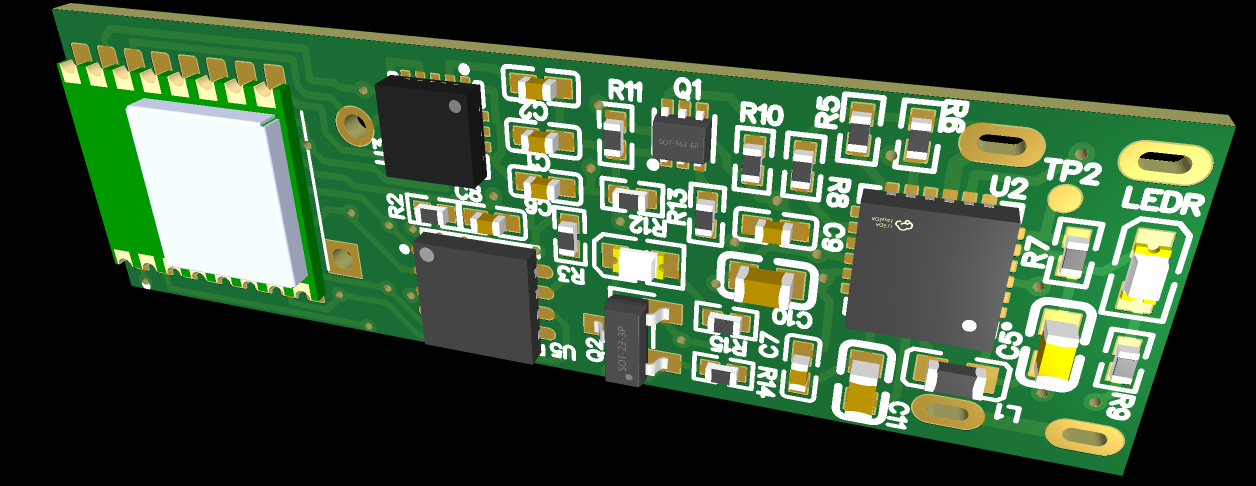
Board render — SoC module, accelerometer, NOR flash and PMIC on a single thin PCB.
Form Factor: The jump tracking device needs to be discreet and unobstructive for in-game use by ball
sport athletes (basketball, volleyball etc.). The form factor of the device is a thin clip to be worn on the
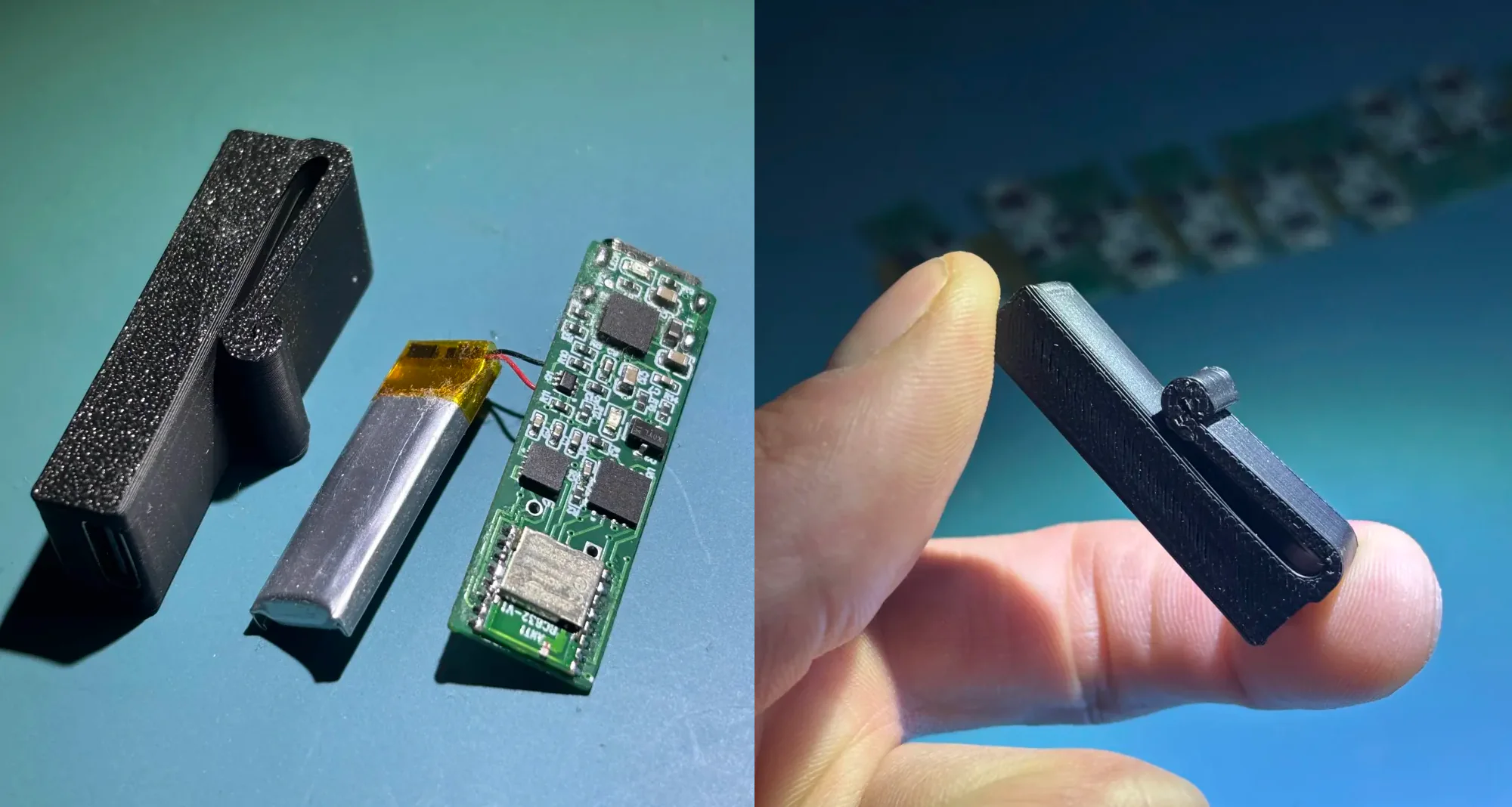
athlete's waistband (prototype dimensions: ~38mm x 13mm x 7.5mm).
Left — printed enclosure, LiPo cell and populated board. Right — assembled form factor prototype.
02 Processing & Validation WIP
[WIP] — tooling built so far:
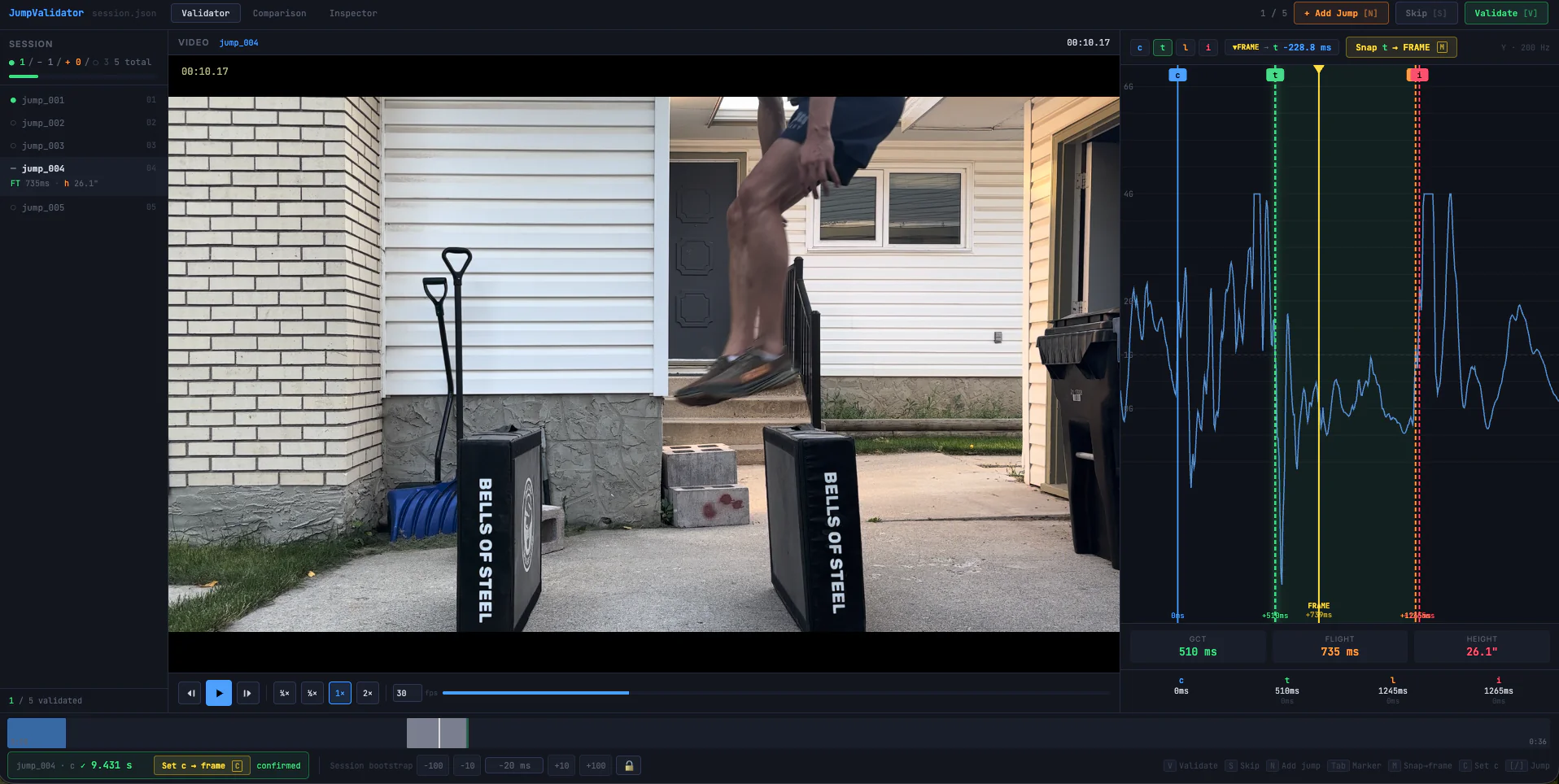
JumpValidator — high frame rate video is scrubbed to the frame of takeoff and landing and marked by
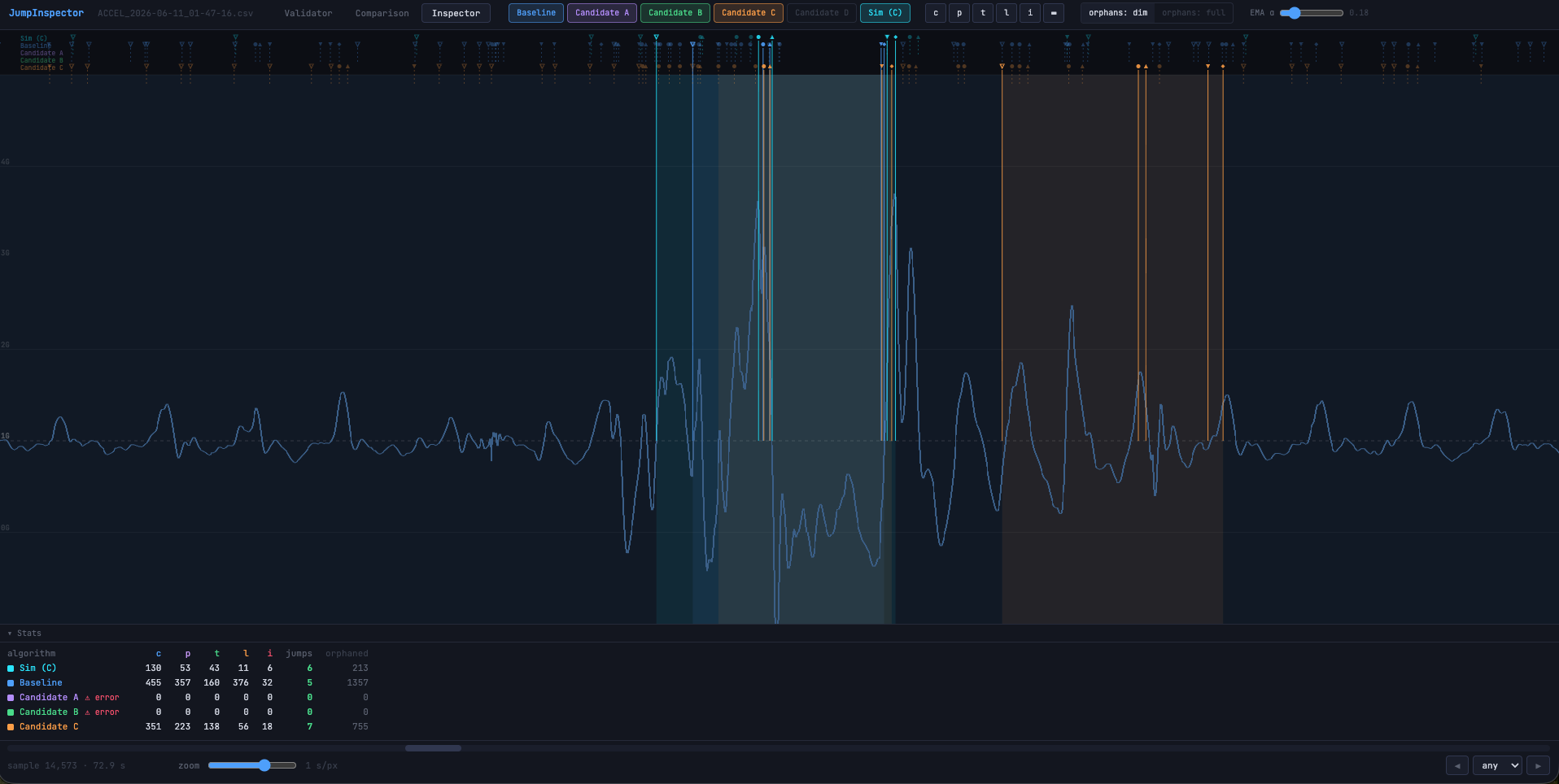
hand, then lined up against the accelerometer trace to produce labelled ground truth for each jump.JumpInspector — replays a recorded session through several candidate detection algorithms at once
and diffs their event markers and jump counts against the labelled baseline.
03 Mobile App WIP
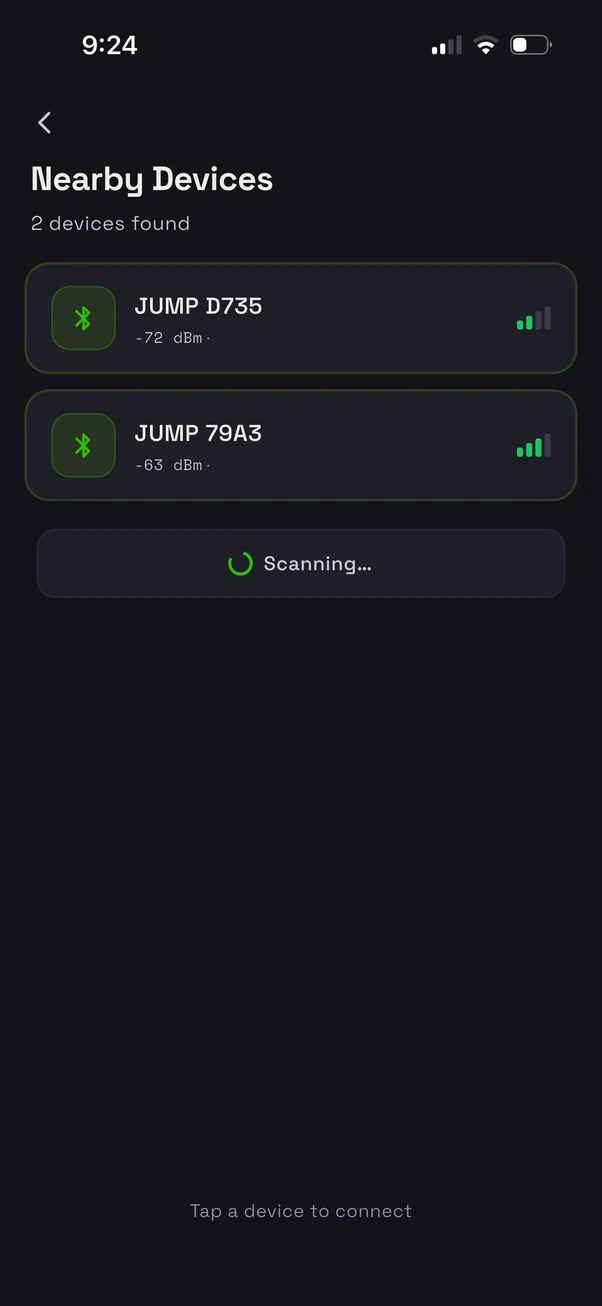
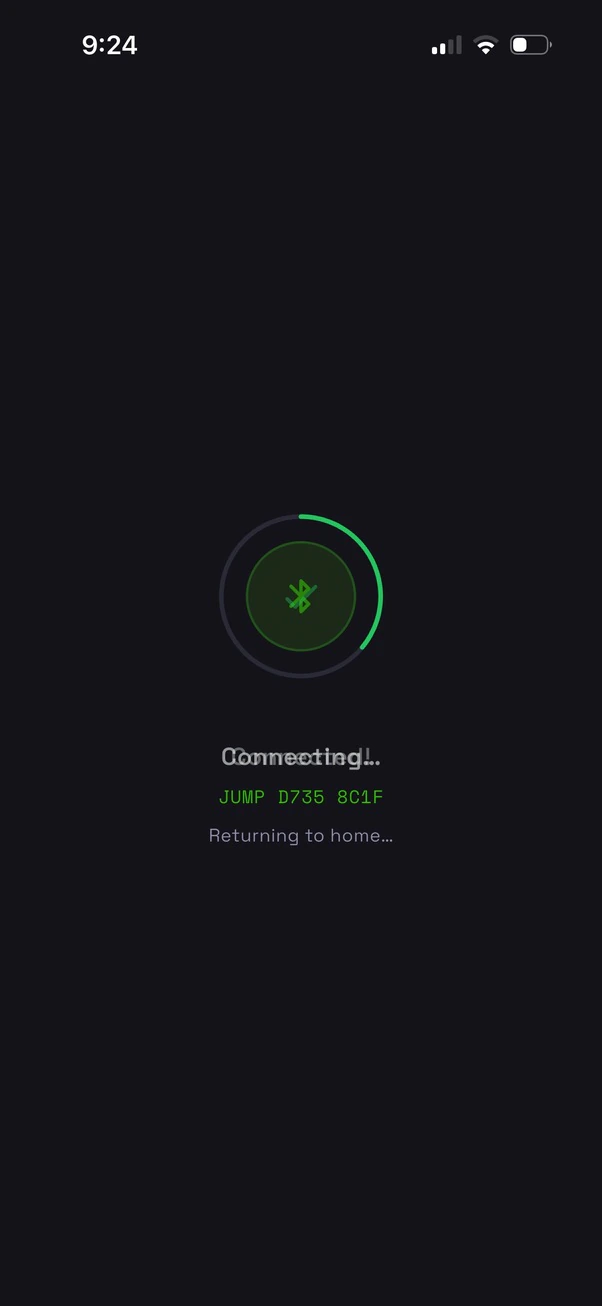
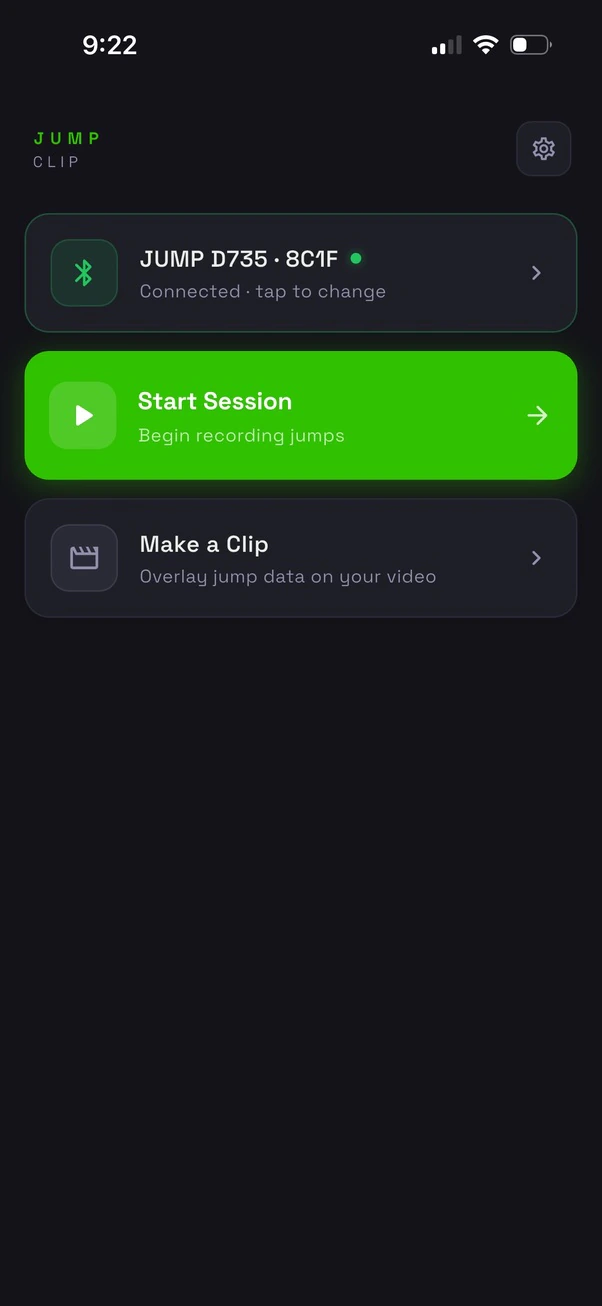
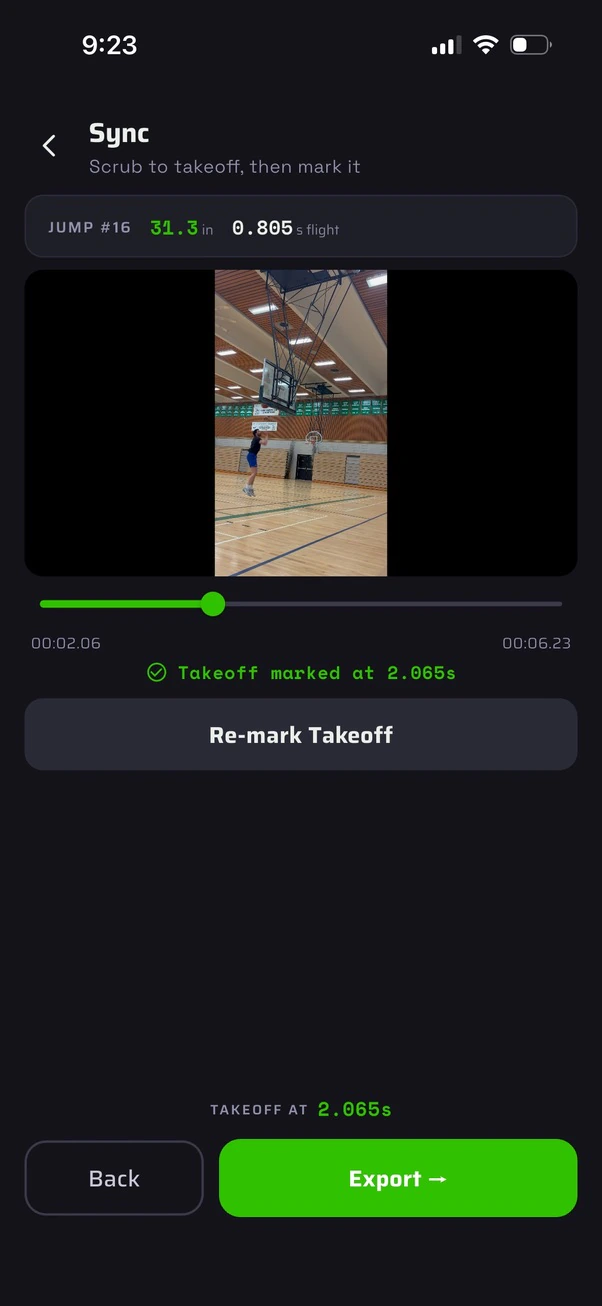
[WIP] — the app scans for nearby clips over BLE, records a live session, and can burn the resulting jump data
into a video of the session.
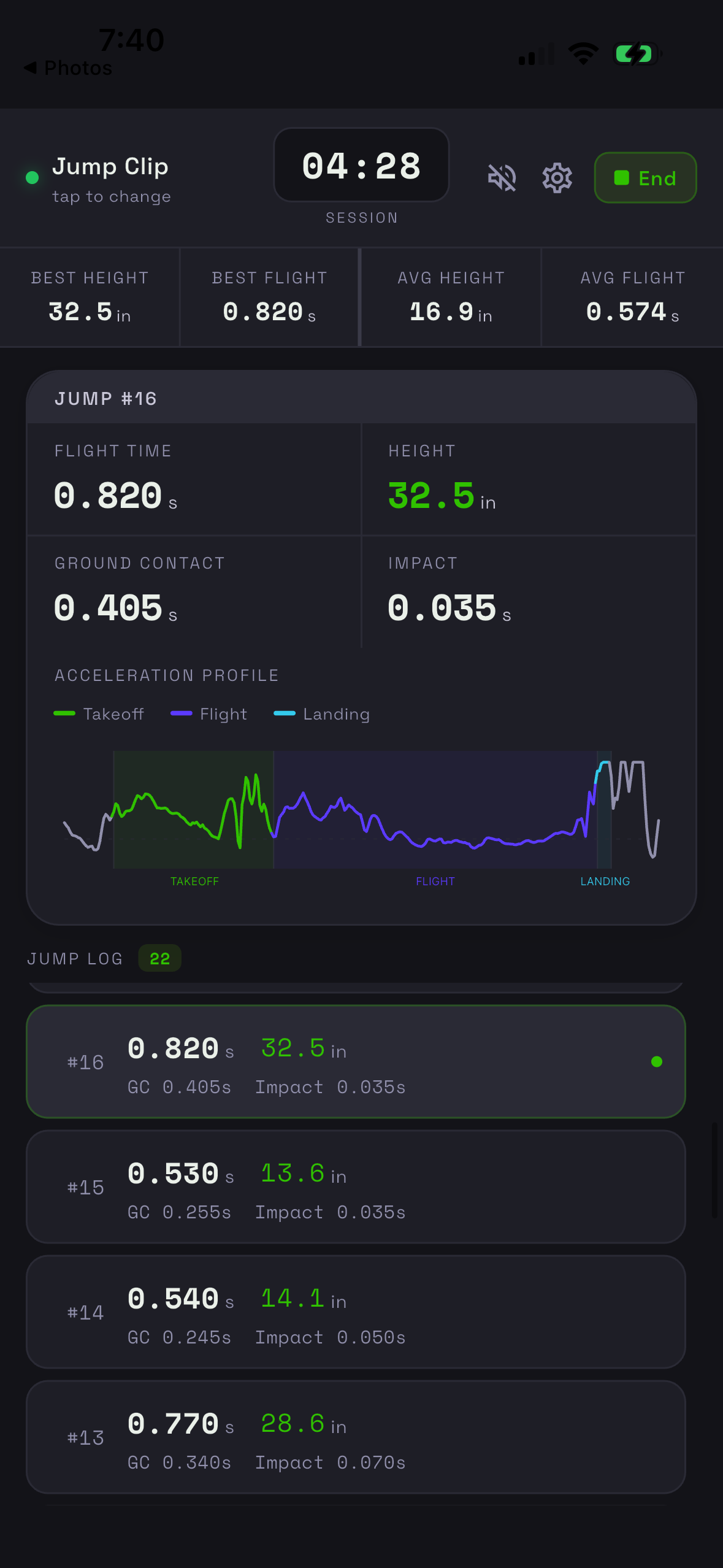
01 · Scan02 · Connect03 · Home04 · Live session05 · Sync to takeoff06 · Render
Session view shows best and average height and flight time, a per-jump takeoff / flight / landing acceleration
profile, and the running jump log.